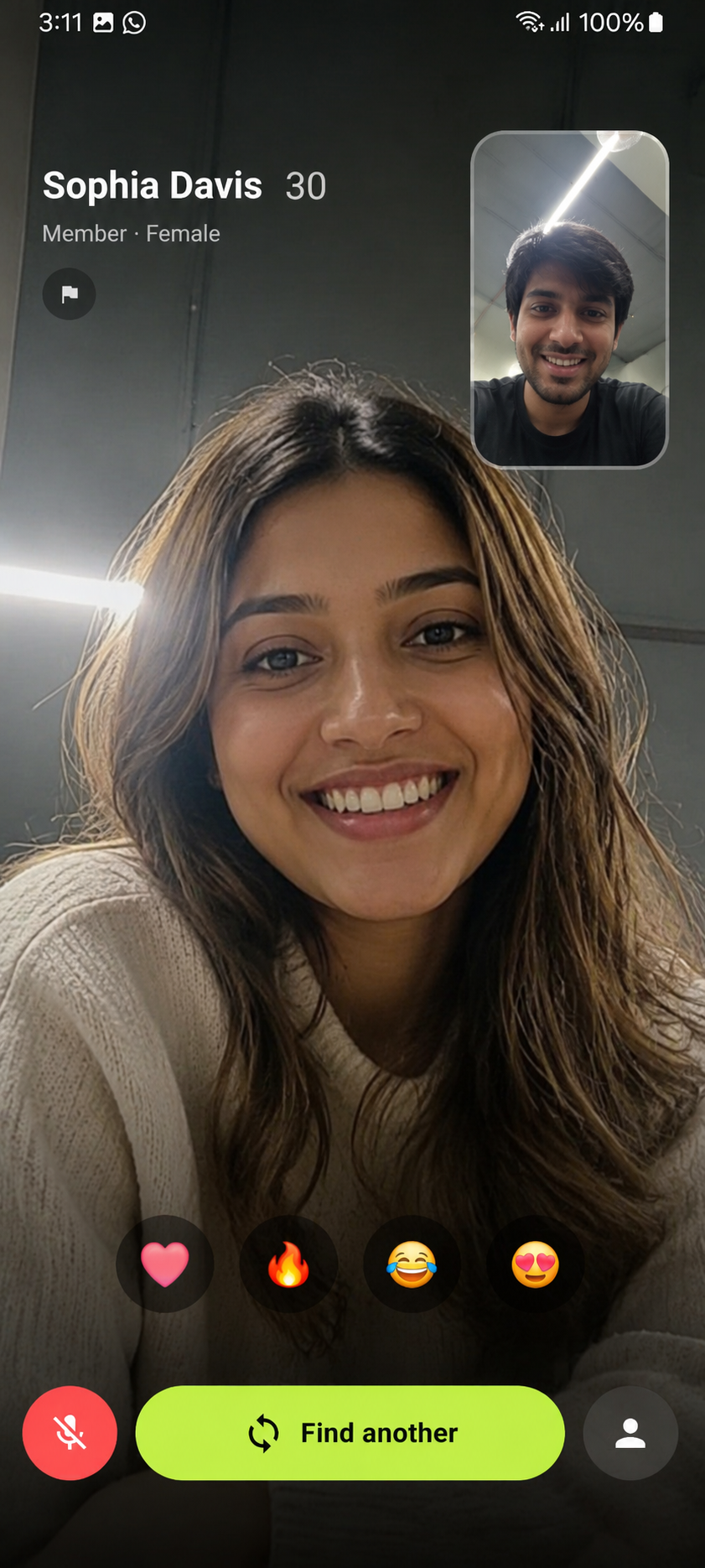
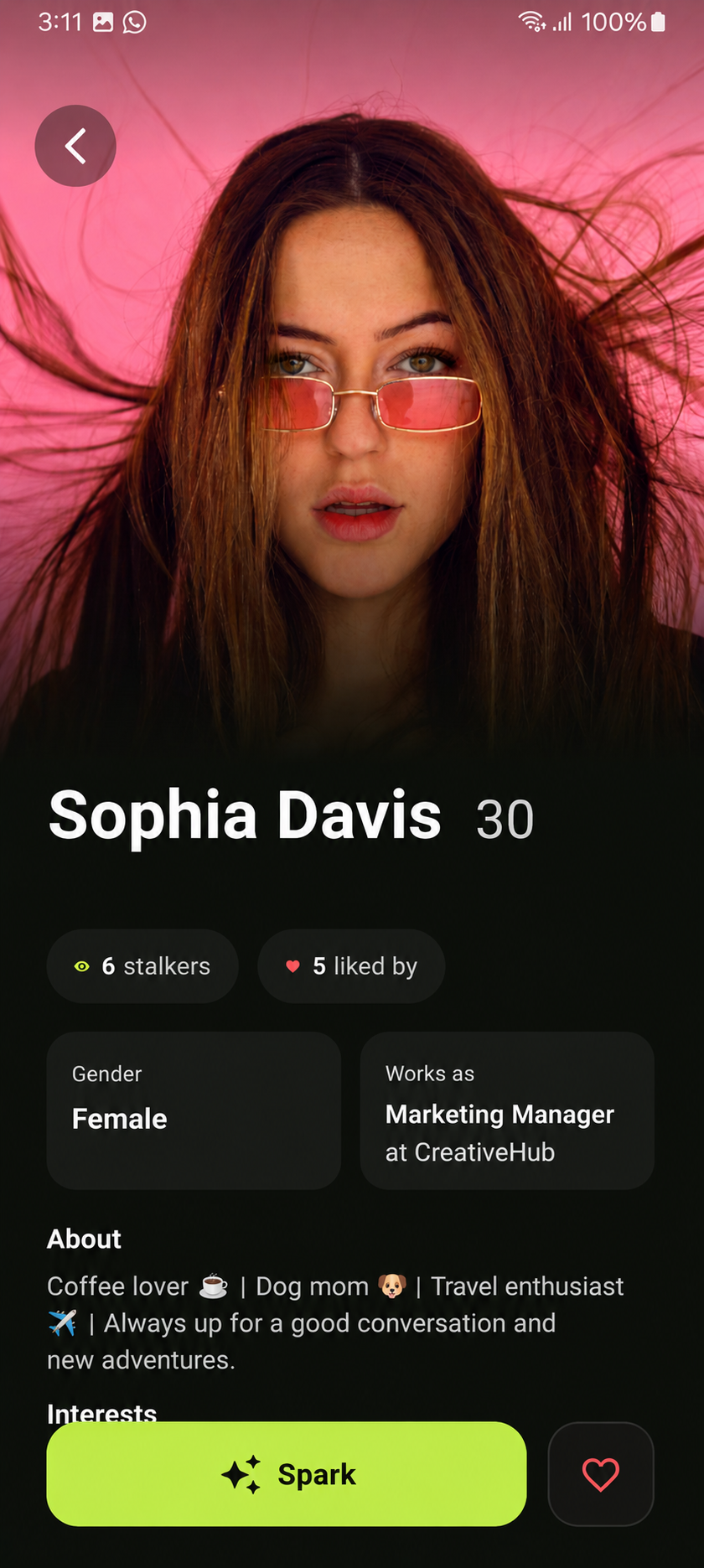
one tap and you're face-to-face with a stranger who actually gets your vibe. spark it, react in real time, or find another. no chats that die after 3 texts.
we got you. here's the quick stuff — and if you're still stuck, slide into our inbox.
how does matching work?
we pair you with people who share your interests first. if there's no overlap, you get matched randomly — sometimes that's where the magic is.
is drift free?
yep, drift is free to download and start matching. some extra features may come later, but meeting people stays free.
someone's being weird. what do i do?
tap the flag icon on their profile or in-call to report, or block them instantly. pick a reason (spam, fake, nudity, harassment, underage) and our team takes it from there.
what are "stalkers"?
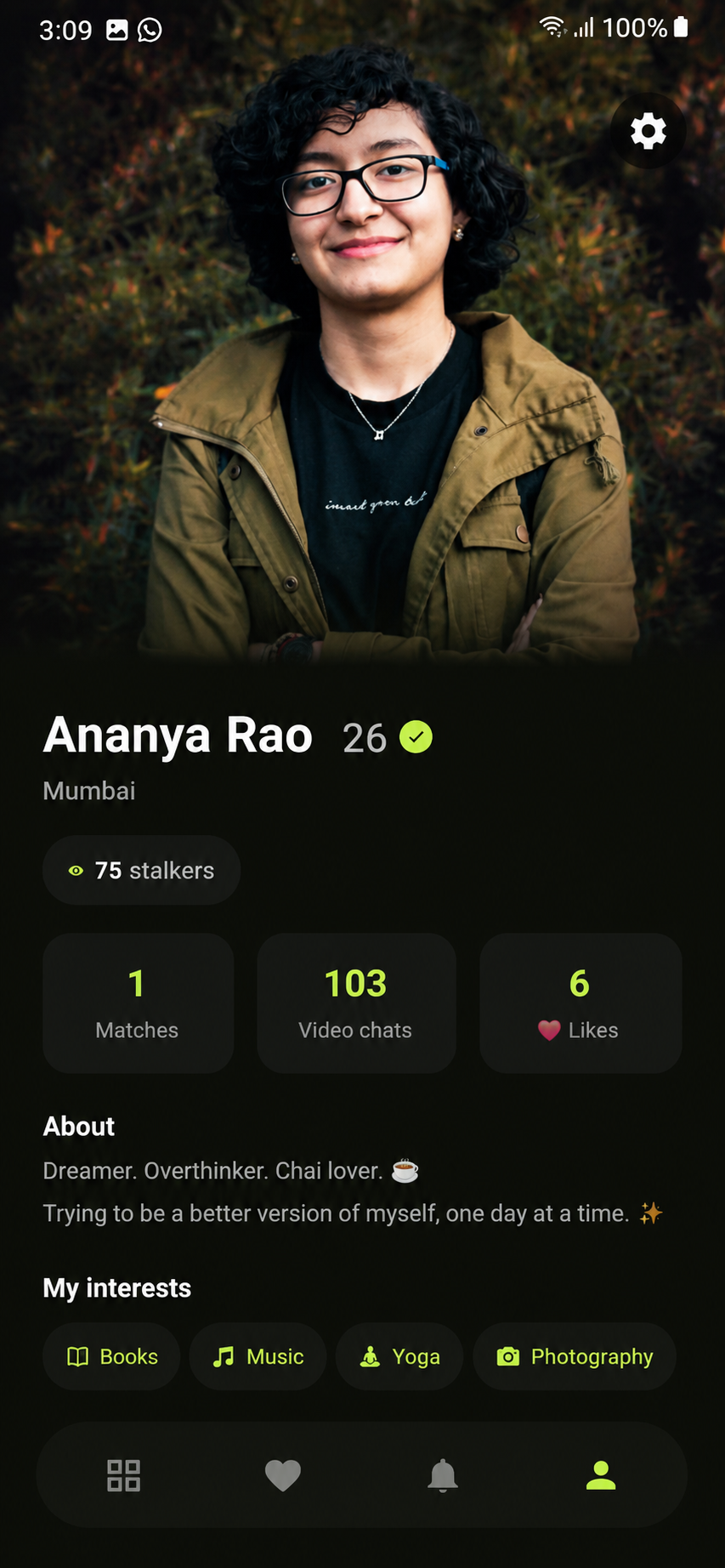
it's the count of people who've viewed your profile. wanna go invisible? incognito mode is coming soon.
how do i delete my account?
head to delete account for the full walkthrough. it's quick, promise.
by downloading or using drift, you agree to these terms. if you don't agree, that's okay — but you can't use the app. these terms are a legal agreement between you and Drift.
2. you must be 18+
drift is strictly for adults aged 18 and over. by using the app you confirm you're 18+. accounts belonging to minors will be removed. reporting suspected underage users helps keep everyone safe.
3. your account
you're responsible for the info on your profile and for keeping your login secure. don't impersonate anyone or create fake profiles. one person, one account.
4. how to behave
be a decent human. no harassment, hate speech, nudity, sexual content involving minors, spam, scams, or illegal activity. video calls are between real people — treat them with respect. breaking these rules gets you removed, no refunds, no appeals for serious violations.
5. content & conduct on calls
you own the content you share, but you grant us a limited license to operate the service. we may use automated and human moderation to keep the community safe. we don't record your private video calls.
6. ending things
you can delete your account any time (see delete account). we may suspend or terminate accounts that violate these terms or put others at risk.
7. the boring but important part
drift is provided "as is." we can't guarantee you'll meet your soulmate, that the service will never go down, or that every user is who they say they are. to the extent allowed by law, we're not liable for interactions between users.
8. changes
we may update these terms as drift grows. we'll let you know about big changes in-app. continuing to use drift means you accept the updated terms.
the basics to make drift work: your name, date of birth, photos, interests, and gender. plus technical stuff like device info and general location so we can match you nearby-ish and keep things running smoothly.
how we use it
to match you with people who share your vibe, show your profile to potential matches, send you notifications about matches and sparks, and keep the community safe. we do not sell your personal data. full stop.
your video calls
video and audio calls are real-time and are not recorded or stored by us. what happens on a call stays between you and the other person.
who we share with
only trusted service providers who help us run drift (like cloud hosting and push notifications), and authorities when legally required to keep people safe. that's it.
your rights
you can view and edit your profile any time, adjust notification and visibility settings, and delete your account and data whenever you want. see delete account.
no hard feelings. here's how to delete your account and everything tied to it. this can't be undone, so make sure you're sure.
option 1 · delete in the app
1
open drift and tap the profile icon, then the settings gear.
2
scroll to account and tap delete account.
3
confirm. your account and data are queued for permanent deletion.
option 2 · request by email
can't access the app? send us a deletion request and we'll handle it within 30 days.
what gets deleted
your profile, photos, matches, sparks, likes and messages are permanently removed. some minimal records may be kept briefly where the law requires (like safety or fraud reports). once it's gone, it's gone — we can't bring an account back.